Course Description
About the Internship
The PCB Design & Hardware Development Internship at Abhijith Electronic Solution is designed to help students develop practical skills in electronic circuit design, printed circuit board (PCB) layout, and hardware prototyping.
Interns will learn how to transform circuit ideas into functional hardware designs, from schematic development and component selection to PCB layout, design verification, testing, and troubleshooting.
What You Will Learn
- Electronic components and circuit fundamentals.
- Schematic capture and circuit documentation.
- PCB design using KiCad and other relevant EDA tools.
- Component footprints, symbols, and library management.
- Single-layer and multilayer PCB layout fundamentals.
- Component placement, copper routing, and grounding techniques.
- Design Rule Check (DRC) and Electrical Rules Check (ERC).
- Gerber files, drill files, and manufacturing outputs.
- PCB assembly, soldering, and hardware testing fundamentals.
- Circuit debugging, fault identification, and design improvement.
Practical Project Experience
Interns will work on guided PCB design exercises and a final hardware project, such as a sensor interface board, power supply board, microcontroller development board, or IoT interface circuit, depending on the selected project and available resources.
Who Can Apply?
Students and graduates from ECE, EEE, E&I, Electrical Engineering, Mechatronics, and related engineering or technical disciplines who are interested in electronics hardware development.
Learning Outcomes
By the end of the internship, participants should be able to create electronic schematics, design PCB layouts, generate manufacturing files, understand PCB fabrication requirements, and perform basic hardware testing and debugging.
The program is suitable for beginners as well as students who want to strengthen their practical electronics design skills.
The PCB Design & Hardware Development Internship at Abhijith Electronic Solution is designed to help students develop practical skills in electronic circuit design, printed circuit board (PCB) layout, and hardware prototyping.
Interns will learn how to transform circuit ideas into functional hardware designs, from schematic development and component selection to PCB layout, design verification, testing, and troubleshooting.
What You Will Learn
- Electronic components and circuit fundamentals.
- Schematic capture and circuit documentation.
- PCB design using KiCad and other relevant EDA tools.
- Component footprints, symbols, and library management.
- Single-layer and multilayer PCB layout fundamentals.
- Component placement, copper routing, and grounding techniques.
- Design Rule Check (DRC) and Electrical Rules Check (ERC).
- Gerber files, drill files, and manufacturing outputs.
- PCB assembly, soldering, and hardware testing fundamentals.
- Circuit debugging, fault identification, and design improvement.
Practical Project Experience
Interns will work on guided PCB design exercises and a final hardware project, such as a sensor interface board, power supply board, microcontroller development board, or IoT interface circuit, depending on the selected project and available resources.
Who Can Apply?
Students and graduates from ECE, EEE, E&I, Electrical Engineering, Mechatronics, and related engineering or technical disciplines who are interested in electronics hardware development.
Learning Outcomes
By the end of the internship, participants should be able to create electronic schematics, design PCB layouts, generate manufacturing files, understand PCB fabrication requirements, and perform basic hardware testing and debugging.
The program is suitable for beginners as well as students who want to strengthen their practical electronics design skills.
What You'll Learn
Module 1: Fundamentals of Electronics — Passive and active components, voltage, current, power, circuit analysis, and schematic symbols.
Module 2: PCB Design Tools — KiCad, EDA workflows, schematic editor, symbol libraries, footprints, and component assignment.
Module 3: Schematic Design — Circuit schematics, power supply, reset, boot, connectors, net labels, ERC, and validation.
Module 4: PCB Layout and Routing — Board setup, layers, component placement, board outline, track width, clearance, vias, copper routing, ground planes, and basic signal integrity.
Module 5: Design Verification and Manufacturing — DRC, design review, troubleshooting, Gerber generation, drill files, manufacturing documentation, fabrication, and assembly.
Module 6: Hardware Assembly and Testing — Through-hole and SMD components, soldering, inspection, multimeter and oscilloscope basics, power-on testing, and debugging.
Module 7: Final Project — Design a practical PCB, complete schematic and layout, generate manufacturing files, document the project, test, debug, and present the design.
Module 2: PCB Design Tools — KiCad, EDA workflows, schematic editor, symbol libraries, footprints, and component assignment.
Module 3: Schematic Design — Circuit schematics, power supply, reset, boot, connectors, net labels, ERC, and validation.
Module 4: PCB Layout and Routing — Board setup, layers, component placement, board outline, track width, clearance, vias, copper routing, ground planes, and basic signal integrity.
Module 5: Design Verification and Manufacturing — DRC, design review, troubleshooting, Gerber generation, drill files, manufacturing documentation, fabrication, and assembly.
Module 6: Hardware Assembly and Testing — Through-hole and SMD components, soldering, inspection, multimeter and oscilloscope basics, power-on testing, and debugging.
Module 7: Final Project — Design a practical PCB, complete schematic and layout, generate manufacturing files, document the project, test, debug, and present the design.
Requirements
- Interest in electronics, circuit design, and hardware development.
- Basic computer skills and willingness to learn PCB design software.
- Ability to participate in practical design exercises and project work.
- A laptop or desktop capable of running PCB design software is recommended.
- Willingness to document designs, troubleshoot errors, and complete assigned tasks.
- Access to physical PCB fabrication or assembly facilities is helpful but not mandatory for the initial design modules.
Prerequisites
- No prior PCB design experience is required. Basic knowledge of electrical or electronic components is beneficial, but beginners are welcome. An interest in circuit design, problem-solving, and practical hardware development is recommended.
Student Reviews & Feedback
Verified reviews submitted by students who attended this course.
No Student Reviews Yet for This Course
Verified reviews from enrolled students will appear here in real time.
Share This Course
Related Internships
Internet of Things (IoT) Full-Stack Internship
Hands-on industry internship designing cloud-connected smart hardware devices wi...
30 days
20 seats left
View Details
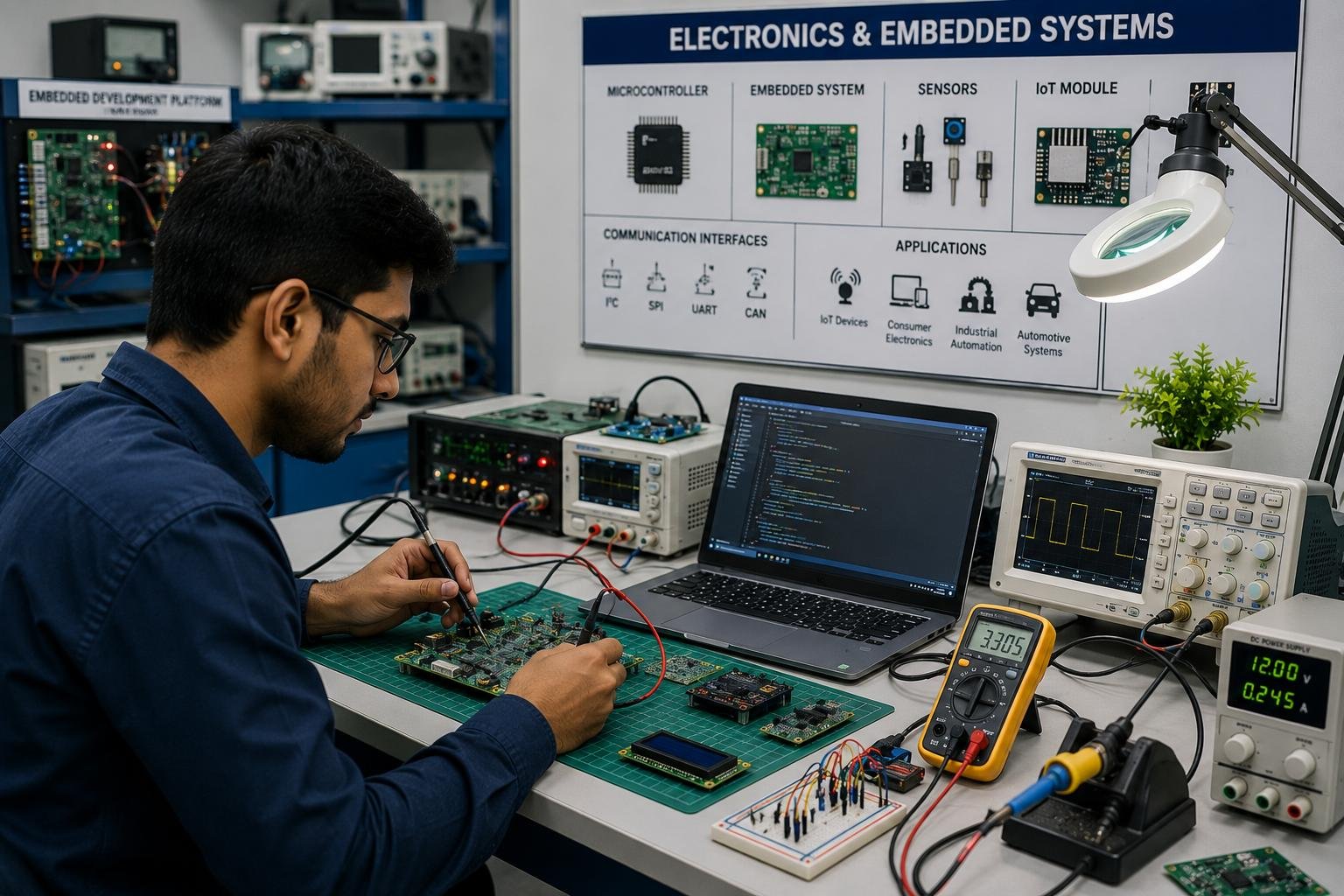
Embedded Systems & IoT Internship
Gain hands-on experience in Embedded Systems and IoT using microcontrollers, sen...
30 days
20 seats left
View Details